
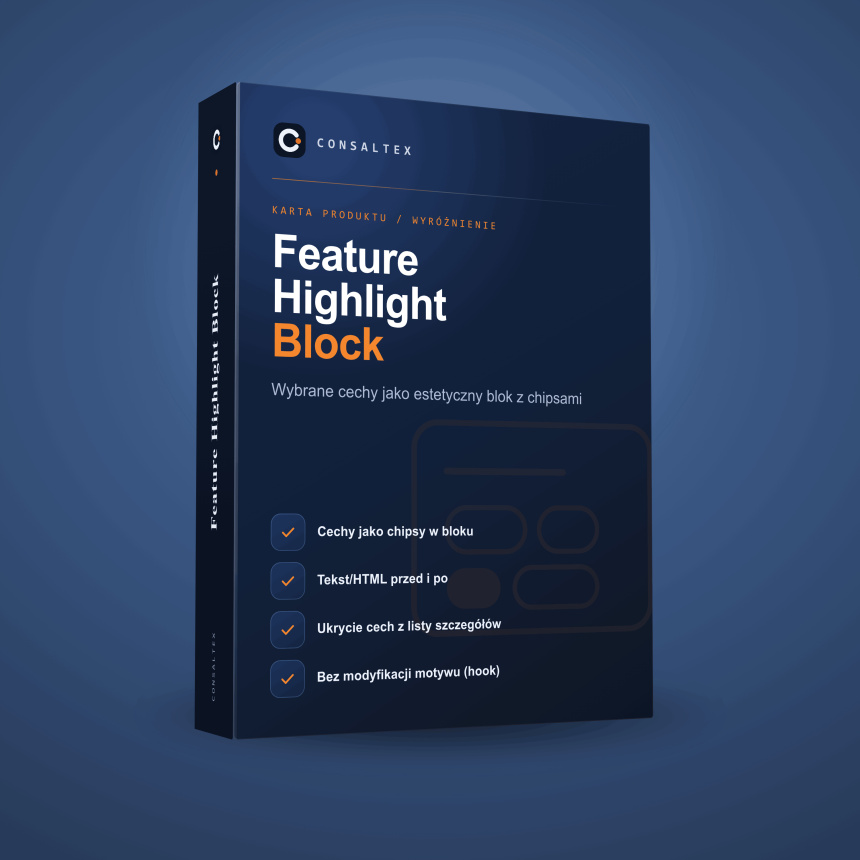
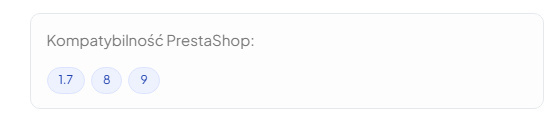
Selected product features as a clean chip block — in the product summary. E.g. “PrestaShop compatibility: 1.7 8”.
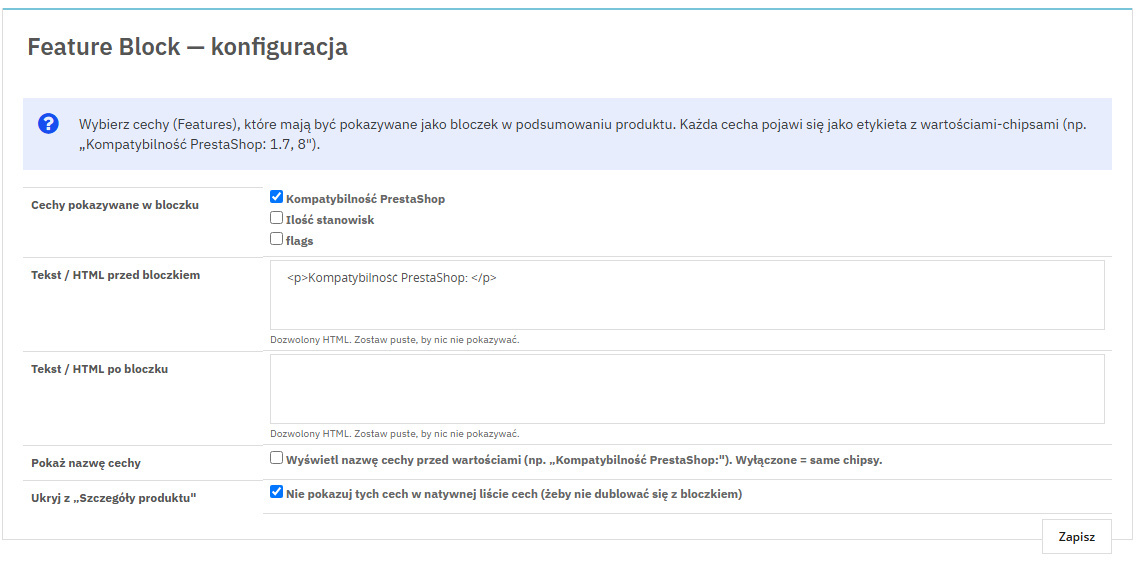
The module shows selected product features as a clean block of value chips in the product summary. Instead of a dull row in the “Product details” tab, the customer instantly sees highlighted information — compatibility, format, license or version.
Stores that want to highlight key product parameters (compatibility, version, license, format, standards) instead of hiding them in the features table.
Selected product features as a clean chip block — in the product summary. E.g. “PrestaShop compatibility: 1.7 8”.